
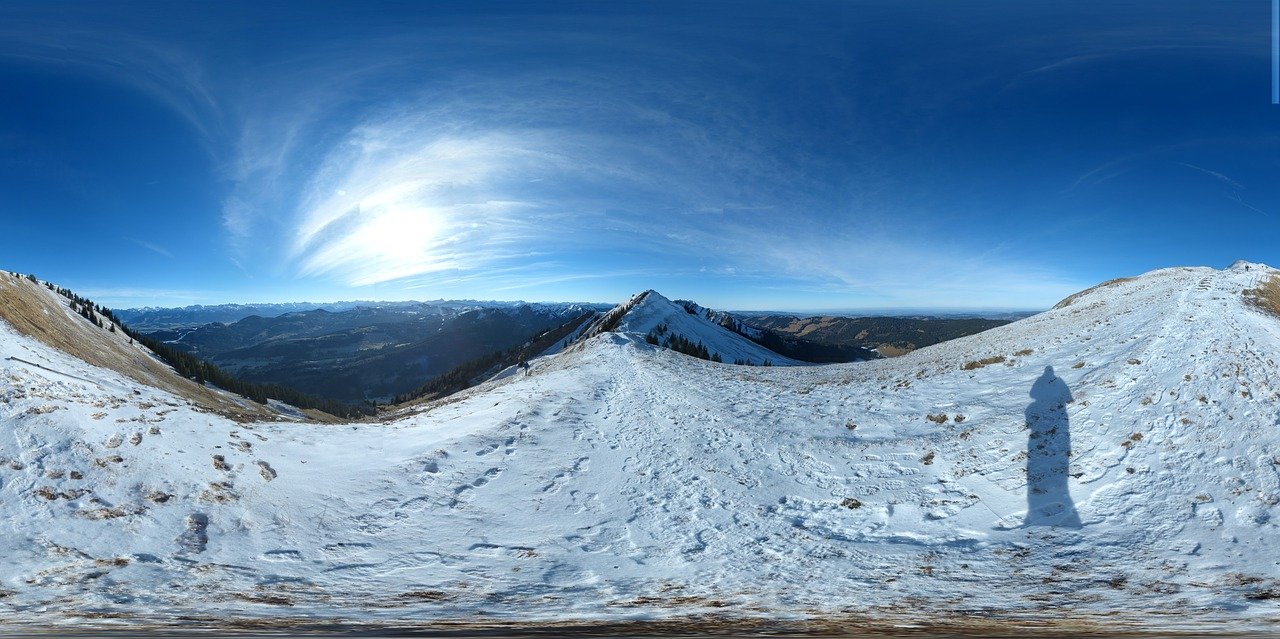
A-Frame の 360° Image サンプルを参考に HTML 作成が今のところ一番簡単。
GET STARTED 紹介されている 1.1.0 バージョン
|
1
2
3
4
5
6
7
8
9
10
11
12
13
14
15
16
17
|
<!DOCTYPE html><html> <head> <meta charset="utf-8"> <title>360° Image</title> <meta name="description" content="360° Image - A-Frame"> <script src="https://aframe.io/releases/1.1.0/aframe.min.js"></script> </head> <body> <a-scene> <a-sky src="画像の場所" rotation="0 -130 0"></a-sky> <a-text font="kelsonsans" value="[BND; Image]" width="6" position="-2.5 0.25 -1.5" rotation="0 15 0"></a-text> </a-scene> </body></html> |
これで表示できます。